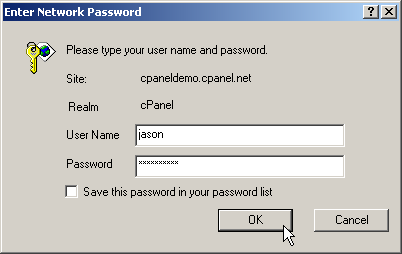
You
need to log on in order to use CPanel to manage your web site.
To
log on:
-
Enter
the address of your CPanel in your web browser. The address
needs to be in the form of http://www.yourdomain.com:2082
or https://www.yourdomain.com:2083
-
Enter
your user name and password in the User Name
and Password fields.
-
Click
on OK button. You will now be logged on to
CPanel.
Topics:
Logging
out
|
|